iPhone VPN: What It Does and How to Set One Up
Learn whether your iPhone has a built-in VPN, how to install one, and when using a VPN can help protect your connection.
An iPhone VPN is a service or work configuration that routes your internet connection through a VPN server. iPhone has built-in support for connecting to VPNs, but it does not come with a personal VPN service already running. To use one, install a VPN provider’s app or add the configuration details supplied by your employer or VPN administrator.
Editor's pick: NordVPN — fast, secure VPN — Strong encryption, a no-logs policy and apps for every device. 30-day money-back guarantee. Get NordVPN →
Compare built-in iPhone VPN options with VPN apps
| Option | What it is | Setup | Provider needed? | Best for |
|---|---|---|---|---|
| iPhone VPN settings | Configuration controls | Enter VPN details | Yes | Manual setup |
| VPN app | App from a VPN provider | Install, sign in, connect | Yes | Easier setup |
| Work or school VPN | Organization’s VPN access | Use supplied settings or app | Usually | Accessing internal resources |
| VPN profile | Configuration installed on iPhone | Add a supplied profile | Yes | Managed setup |
| No VPN | No VPN connection | No setup | No | Ordinary browsing |
Compiled November 2026; check the provider's site for current details.
| VPN | Obfuscation | From / month | Plan | Free plan | Refund | Alipay | UnionPay | Crypto | Website opens in China | Trustpilot | |
|---|---|---|---|---|---|---|---|---|---|---|---|
 Proton VPN | Turn on manually Stealth, free plan too | $2.99/mo | 12 months: $35.88 | Yes | 30 days | ✗ | ✗ | ✗ | ✓ | ✗ Blocked | 2.1/5 (1,040 reviews) |
 ZoogVPN | Turn on manually Shadow | $2.49/mo | 27 months: $59.99 | Yes | 7 days | ✓ | ✓ | ✓ | ✓ | Official site blocked; our special link opens (4.4 s) | 4.2/5 (195 reviews) |
 NordVPN | Turn on manually Obfuscated Servers / NordWhisper | $3.49/mo | 27 months: $94.23 | No | 30 days | ? | ✗ | ✓ | ✓ | ✗ Blocked | 4.2/5 (51,628 reviews) |
 ExpressVPN | ✓ On by default all servers | $3.00/mo | 28 months: $84 | No | 30 days | ✗ | ✗ | ✓ | ✗ | ✗ Blocked | 4.4/5 (29,706 reviews) |
 Surfshark | ✓ On by default Camouflage, with OpenVPN | See site | See site | No | 30 days | ✗ | ✗ | ✗ | ✓ | ✗ Blocked | 4.3/5 (31,823 reviews) |
 Astrill VPN | Turn on manually StealthVPN / OpenWeb | $12.50/mo | 24 months: $300 | No | See site | ✗ | ✗ | ✗ | ✓ | ✗ Blocked | 1.3/5 (110 reviews) |
 Private Internet Access | Turn on manually Shadowsocks, OpenVPN only | $2.03/mo | 40 months: $81.2 | No | 30 days | ✗ | ✗ | ✗ | ✗ | ✗ Blocked | 4.2/5 (11,033 reviews) |
 CyberGhost | Turn on manually selected servers | $2.19/mo | 28 months: $61.32 | No | 45 days | ✗ | ✗ | ✗ | ✓ | ✗ Blocked | 4.0/5 (24,178 reviews) |
 PureVPN | Turn on manually switch to OpenVPN | $1.69/mo | 60 months: $101.55 | No | 31 days | ? | ? | ✗ | ✓ | ✗ Blocked | 4.4/5 (17,994 reviews) |
 AdGuard VPN | ✓ On by default TrustTunnel | $2.99/mo | 24 months: $71.76 | Yes | 30 days | ✓ | ✗ | ✓ | ✓ | Official site blocked; our special link opens (3.7 s) | 4.3/5 (290 reviews) |
 Mullvad | Turn on manually QUIC / Shadowsocks / LWO | $5.61/mo | €5/mo | No | 14 days | ✗ | ✗ | ✗ | ✓ | ✗ Blocked | 3.2/5 (192 reviews) |
 Windscribe | Turn on manually Stealth / WStunnel | $5.75/mo | 12 months: $69 | Yes | See site | ✗ | ✗ | ✗ | ✓ | ✗ Blocked | 4.7/5 (13,355 reviews) |
 StrongVPN | Turn on manually Scramble, OpenVPN TCP | See site | See site | No | 30 days | ✓ | ✗ | ✗ | ✗ | ✗ Blocked | 4.4/5 (2,695 reviews) |
 LightXtreme 闪连 | Not listed | $7.08/mo | 12 months: $84.99 | Yes | 30 days | ✓ | ✓ | ✓ | ✓ | ✓ Yes (3.5 s) | No page |
Prices checked 2026-11-10 on each vendor's pricing page (cheapest long plan, USD). Check the vendor's checkout for the final price.
Obfuscation checked 2026-11-14 on each vendor's site and help center: "on by default" = nothing to set; "turn on manually" = switch protocol or mode in settings; "not listed" = the vendor describes no obfuscation.
Payment methods checked 2026-11-10 on each vendor's payment pages: all 14 take cards and PayPal; ✗ = not listed, ? = the vendor's own pages disagree.
China access: whether the official website opens from mainland China networks (tests the website only, not the VPN connection). Last checked 2026-11-18 01:02 Beijing time.
Trustpilot score and review count checked 2026-11-10.
Does iPhone have a built-in VPN?
The iPhone has VPN connection settings, but those settings are not themselves a VPN service. You need a VPN provider, workplace account, or configuration profile to connect.
A personal VPN app typically helps route your traffic through the provider’s servers. A corporate VPN is usually intended to give authorized users secure access to company systems. Apple devices can also use VPN On Demand, which allows a VPN connection to start automatically when it is needed, if the setup supports it.
In short, your iPhone can connect to a VPN, but you must provide the service or configuration.
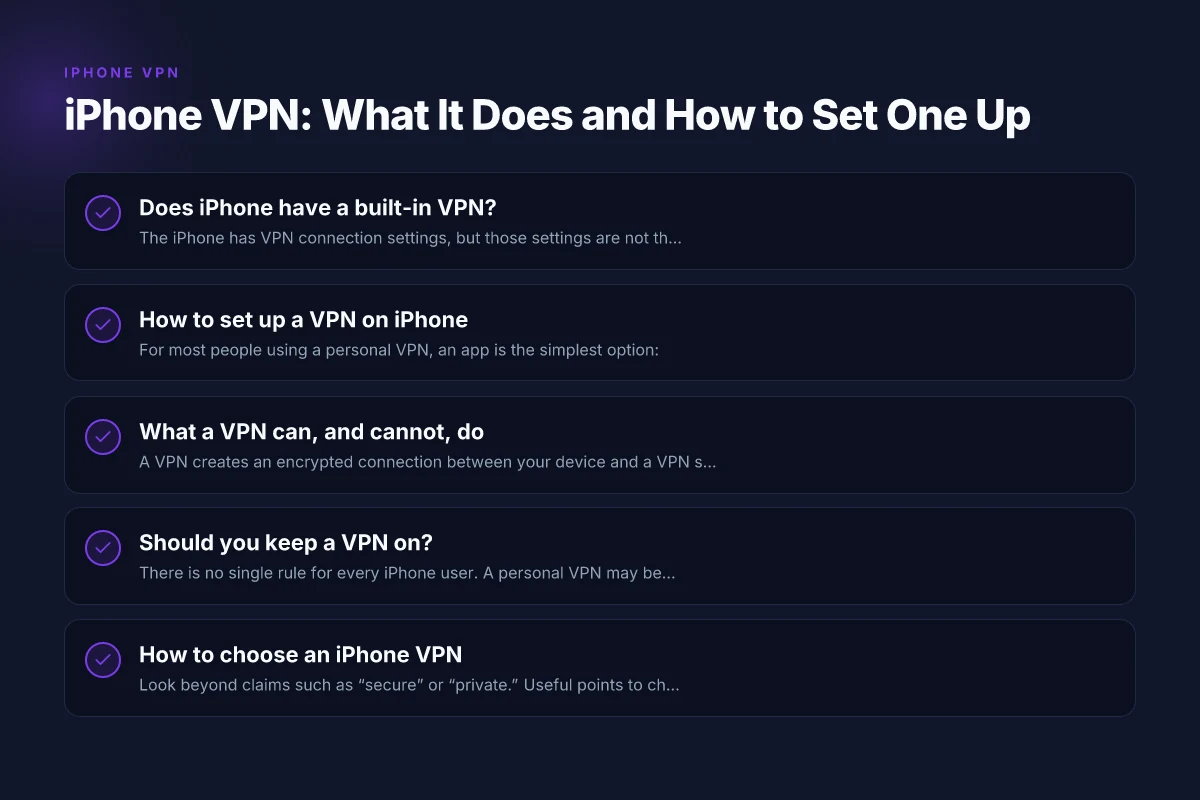
How to set up a VPN on iPhone
Use a VPN app
For most people using a personal VPN, an app is the simplest option: Forti VPN: What It Is, How It Works, and Whether You Need It
- Choose a VPN provider and download its official app from the App Store.
- Open the app and sign in or create an account.
- Follow the prompts to allow the app to add VPN configurations to your iPhone.
- Choose a server or location, then tap the app’s connect button.
- Check the iPhone’s status indicators or the VPN app to confirm the connection.
The first time you connect, iOS may ask for permission to add VPN settings. Review the request and make sure it comes from the provider’s official app.
Add a work or manually supplied VPN
If your employer or administrator gave you VPN details, follow their instructions. The required information can depend on the VPN type and may include a server address, account credentials, or a configuration profile. Avoid guessing at these details. Ask the administrator if anything is missing.
What a VPN can and cannot do on iPhone
| Concern | VPN can help? | What it does | What it does not do |
|---|---|---|---|
| Network privacy | Yes | Encrypts traffic between iPhone and VPN server | Make all online activity anonymous |
| Public Wi‑Fi | Yes | Helps protect traffic on the network | Secure a compromised device |
| IP address | Yes | Shows the VPN server’s IP to many services | Hide identity from every service |
| Location | Sometimes | May make traffic appear to come from another location | Change GPS location |
| Tracking | Limited | Can reduce exposure of your IP address | Stop cookies or account-based tracking |
| Malware | No | — | Replace security tools or safe browsing |
| Online accounts | No | — | Protect passwords if you share them or sign in to a fake site |
Compiled November 2026; check the provider's site for current details. F5 VPN Download: How to Get the Right Client
What a VPN can, and cannot, do
A VPN creates an encrypted connection between your device and a VPN server. This can help protect traffic on networks you do not fully trust and can make your connection appear to come from the VPN server’s location.
| A VPN can help with | A VPN does not guarantee |
|---|---|
| Encrypting traffic between your iPhone and the VPN server | Complete anonymity online |
| Protecting some network traffic on public Wi-Fi | Protection from phishing, malicious apps, or every online threat |
| Connecting to a workplace network, when configured for that purpose | That websites cannot identify you through your account, browser, or other data |
| Changing the apparent network location of your connection | That your VPN provider cannot see or process connection information |
A VPN shifts some trust from your internet provider or local network to the VPN provider. The provider may have access to information about your connection, so review its privacy policy and security practices. A VPN also does not prevent websites from recognizing you when you sign in or share personal information.
Should you keep a VPN on?
There is no single rule for every iPhone user. A personal VPN may be useful when you want an encrypted connection on a network you do not trust, need to connect to a workplace network, or have another specific reason to route traffic through a VPN provider.
Before leaving a VPN on all the time, consider: Free VPN to Change Location: How to Choose and Use One
- Whether you trust the provider and understand its privacy policy
- Whether the VPN is needed for your work or personal use
- Whether it affects access to certain websites, apps, or local network devices
- Whether the connection is active when you expect it to be
If you use a VPN, check the app after connecting and again if your connection behaves unexpectedly. A VPN connection can drop or require you to reconnect, depending on the service and settings.
How to choose an iPhone VPN
Look beyond claims such as “secure” or “private.” Useful points to check include:
- Clear privacy terms: Understand what connection data the provider collects and how it uses that information.
- A reputable iPhone app: Download it from the App Store and review its permissions and provider details.
- Features that fit your needs: You may need a personal privacy service, or only a work VPN configuration.
- Support and setup guidance: Instructions should explain how to connect and troubleshoot on iOS.
- Free-plan limits and terms: Free options are available, but check what the plan includes and how it is funded. Proton VPN, for example, offers a free app for iPhone and iPad.
Do not choose solely on the basis of a promise that a VPN will make you invisible. No VPN can guarantee that.
How to choose an iPhone VPN NordVPN Download Windows 11: How to Install and Get Started
| Decision factor | What to look for | Why it matters |
|---|---|---|
| Privacy policy | Clear explanation of data collection | Shows what the provider says it keeps |
| Trust | Reputable provider | The provider handles VPN traffic |
| iPhone app | App available for iOS | Simplifies installation and connection |
| Setup support | Clear instructions or supplied settings | Helps with manual or managed setup |
| Connection controls | Easy connect and disconnect | Makes everyday use simpler |
| Performance | Reliable connections | Helps avoid interruptions |
| Cost | Clear pricing and renewal terms | Prevents surprise charges |
| Support | Useful help resources | Makes troubleshooting easier |
Compiled November 2026; check the provider's site for current details.
Recommendation
For a personal iPhone VPN, install an app from a provider you have researched, review its privacy terms, and connect when it serves a clear purpose. For work access, use the configuration supplied by your employer. Remember that iPhone provides the tools to connect, not a personal VPN service, and that a VPN is one part of online security, not a complete substitute for it.