IPsec VPN: How It Works, Benefits, and When to Use It

Learn what an IPsec VPN is, how it protects network traffic, and how it compares with other VPN approaches.
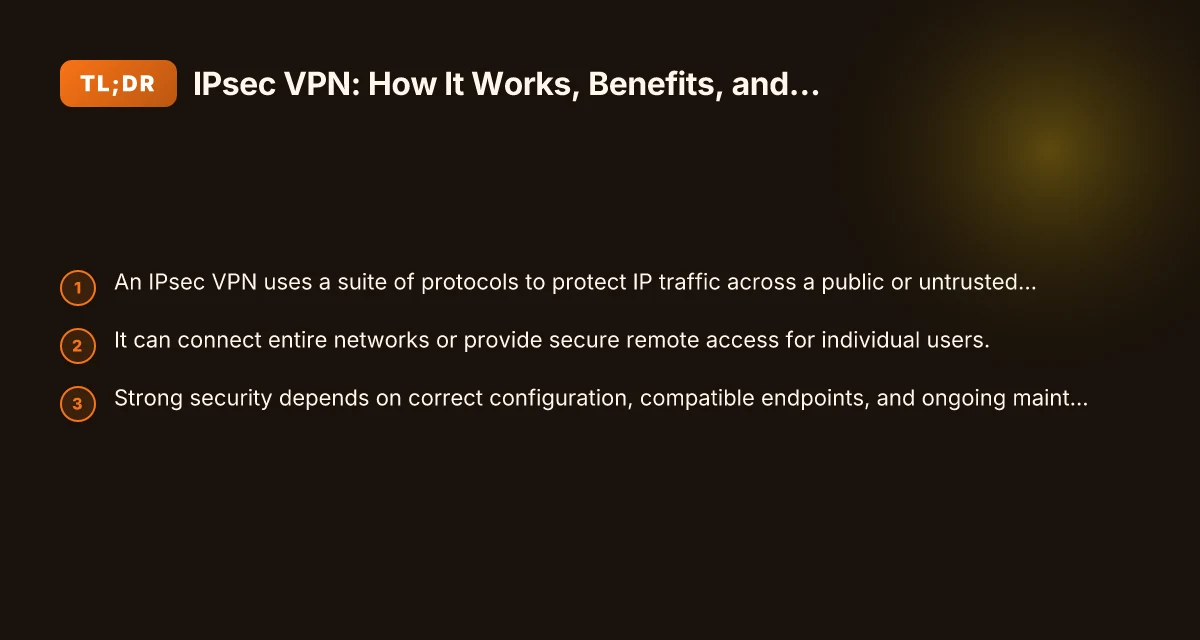
An IPsec VPN is a virtual private network that uses the Internet Protocol Security (IPsec) suite to help protect data moving between devices or networks. It can encrypt traffic and verify that it comes from an authenticated source, creating a secure connection over infrastructure such as the public internet. Organizations commonly use IPsec VPNs for site-to-site links between offices and for remote access to private network resources.

Editor's pick: NordVPN — fast, secure VPN — Strong encryption, a no-logs policy and apps for every device. 30-day money-back guarantee. Get NordVPN →
| VPN | Obfuscation | From / month | Plan | Free plan | Refund | Alipay | UnionPay | Crypto | Website opens in China | Trustpilot | |
|---|---|---|---|---|---|---|---|---|---|---|---|
 ZoogVPN | Turn on manually Shadow | $2.49/mo | 27 months: $59.99 | Yes | 7 days | ✓ | ✓ | ✓ | ✓ | Official site blocked; our special link opens (4.4 s) | 4.2/5 (195 reviews) |
 NordVPN | Turn on manually Obfuscated Servers / NordWhisper | $3.49/mo | 27 months: $94.23 | No | 30 days | ? | ✗ | ✓ | ✓ | ✗ Blocked | 4.2/5 (51,628 reviews) |
 ExpressVPN | ✓ On by default all servers | $3.00/mo | 28 months: $84 | No | 30 days | ✗ | ✗ | ✓ | ✗ | ✗ Blocked | 4.4/5 (29,706 reviews) |
 Surfshark | ✓ On by default Camouflage, with OpenVPN | See site | See site | No | 30 days | ✗ | ✗ | ✗ | ✓ | ✗ Blocked | 4.3/5 (31,823 reviews) |
 Proton VPN | Turn on manually Stealth, free plan too | $2.99/mo | 12 months: $35.88 | Yes | 30 days | ✗ | ✗ | ✗ | ✓ | ✗ Blocked | 2.1/5 (1,040 reviews) |
 Astrill VPN | Turn on manually StealthVPN / OpenWeb | $12.50/mo | 24 months: $300 | No | See site | ✗ | ✗ | ✗ | ✓ | ✗ Blocked | 1.3/5 (110 reviews) |
 Private Internet Access | Turn on manually Shadowsocks, OpenVPN only | $2.03/mo | 40 months: $81.2 | No | 30 days | ✗ | ✗ | ✗ | ✗ | ✗ Blocked | 4.2/5 (11,033 reviews) |
 CyberGhost | Turn on manually selected servers | $2.19/mo | 28 months: $61.32 | No | 45 days | ✗ | ✗ | ✗ | ✓ | ✗ Blocked | 4.0/5 (24,178 reviews) |
 PureVPN | Turn on manually switch to OpenVPN | $1.69/mo | 60 months: $101.55 | No | 31 days | ? | ? | ✗ | ✓ | ✗ Blocked | 4.4/5 (17,994 reviews) |
 AdGuard VPN | ✓ On by default TrustTunnel | $2.99/mo | 24 months: $71.76 | Yes | 30 days | ✓ | ✗ | ✓ | ✓ | Official site blocked; our special link opens (3.7 s) | 4.3/5 (290 reviews) |
 Mullvad | Turn on manually QUIC / Shadowsocks / LWO | $5.61/mo | €5/mo | No | 14 days | ✗ | ✗ | ✗ | ✓ | ✗ Blocked | 3.2/5 (192 reviews) |
 Windscribe | Turn on manually Stealth / WStunnel | $5.75/mo | 12 months: $69 | Yes | See site | ✗ | ✗ | ✗ | ✓ | ✗ Blocked | 4.7/5 (13,355 reviews) |
 StrongVPN | Turn on manually Scramble, OpenVPN TCP | See site | See site | No | 30 days | ✓ | ✗ | ✗ | ✗ | ✗ Blocked | 4.4/5 (2,695 reviews) |
 LightXtreme 闪连 | Not listed | $7.08/mo | 12 months: $84.99 | Yes | 30 days | ✓ | ✓ | ✓ | ✓ | ✓ Yes (3.5 s) | No page |
Prices checked 2026-11-10 on each vendor's pricing page (cheapest long plan, USD). Check the vendor's checkout for the final price.
Obfuscation checked 2026-11-14 on each vendor's site and help center: "on by default" = nothing to set; "turn on manually" = switch protocol or mode in settings; "not listed" = the vendor describes no obfuscation.
Payment methods checked 2026-11-10 on each vendor's payment pages: all 14 take cards and PayPal; ✗ = not listed, ? = the vendor's own pages disagree.
China access: whether the official website opens from mainland China networks (tests the website only, not the VPN connection). Last checked 2026-11-18 01:02 Beijing time.
Trustpilot score and review count checked 2026-11-10.
What is an IPsec VPN?
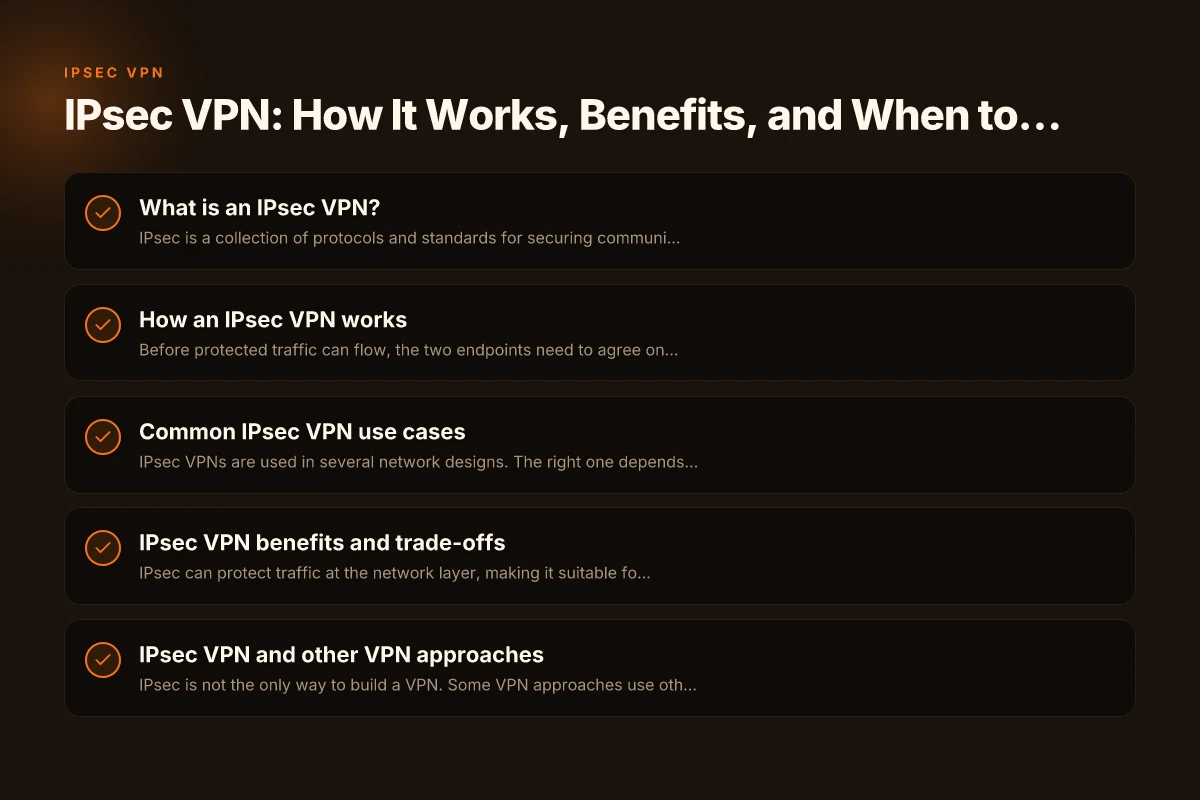
IPsec is a collection of protocols and standards for securing communications at the network layer. An IPsec VPN applies these protections to IP traffic traveling between two endpoints, such as VPN gateways or a user’s device and a company network.
The word “tunnel” describes the protected path established between endpoints. The traffic travels through an existing network, but IPsec applies security controls so that other parties on that network cannot simply read or alter the protected data.
Depending on its configuration, an IPsec connection can provide:
- Confidentiality: Encryption helps prevent unauthorized parties from reading traffic.
- Authentication: Each endpoint can verify the identity of the other.
- Integrity: Checks help detect whether data has been changed in transit.
- Protection against replay: Security mechanisms can help reject captured packets that are resent.
These protections are not automatic guarantees of safety. They rely on suitable algorithms, secure credentials, correct settings, and trustworthy endpoint devices. Urban VPN Extension for Edge: How to Install and Use It
How an IPsec VPN works
Before protected traffic can flow, the two endpoints need to agree on how to secure their connection. They authenticate each other and negotiate security settings, which may include encryption and integrity options. Once they establish a secure association, they can send traffic according to the agreed rules.
IPsec commonly uses two protocols:
- Authentication Header (AH): Provides authentication and integrity checks, but does not encrypt the payload.
- Encapsulating Security Payload (ESP): Can provide encryption, authentication, and integrity protection. It is widely used for VPN traffic.
IPsec also has two main operating modes:
- Tunnel mode: Protects an entire IP packet by encapsulating it inside a new packet. This is commonly used for VPN tunnels between networks or gateways.
- Transport mode: Protects the payload of an IP packet while leaving the original IP header visible. It is generally used for certain host-to-host connections.
For a typical VPN connection, a gateway or device establishes the IPsec security parameters, then sends matching traffic through the protected tunnel. The receiving endpoint checks and processes the data before forwarding it to its destination. Urban VPN Proxy: What It Does, How to Use It, and What to Know
Common IPsec VPN use cases
IPsec VPNs are used in several network designs. The right one depends on who needs access and what resources they must reach.
Site-to-site VPN
A site-to-site VPN connects networks in different locations. For example, a business may link an office network with a data center network through IPsec gateways. Devices on each side can communicate across the tunnel without each device needing its own VPN client.
This approach is useful when:
- Multiple users or systems at a location need access to another private network.
- An organization wants to connect offices or infrastructure across public networks.
- Network teams need to manage a secure link between gateways.
Remote-access VPN
A remote-access IPsec VPN connects an individual device to a private network. A user may run compatible VPN software on a computer or mobile device, authenticate, and then access permitted internal resources. VPN Microsoft Edge: How to Turn It On and Choose the Right Option
This can support employees working away from the office, but the organization must also manage device security, user permissions, credentials, and software compatibility.
| Approach | Typical endpoints | Common purpose |
|---|---|---|
| Site-to-site IPsec | VPN gateways or network devices | Connect separate private networks |
| Remote-access IPsec | User device and VPN gateway | Give an individual secure access to network resources |
IPsec VPN benefits and trade-offs
IPsec can protect traffic at the network layer, making it suitable for securing communication between networks as well as connecting individual devices. Because it operates on IP traffic, it can protect more than a single application when the network and VPN policies are designed accordingly.
Key benefits include:
- Broad network protection: A tunnel can carry traffic for multiple applications and services.
- Flexible deployment: IPsec supports gateway-to-gateway and device-to-gateway designs.
- Established technology: It is supported by many network devices and VPN clients.
- Security controls: Its protocol suite can provide encryption, authentication, and integrity protection.
There are also trade-offs to consider: Tuxler VPN Extension: How It Works, How to Install It, and What to Know
- Configuration complexity: Both endpoints need compatible settings, and mismatches can prevent connections.
- Troubleshooting demands: Routing, firewall rules, credentials, and negotiation settings can all affect connectivity.
- Endpoint requirements: Users may need a compatible client, and devices must be maintained securely.
- Performance considerations: Encryption and tunnel processing can affect network performance, depending on the equipment and traffic.
- Access management: A secure tunnel does not determine which resources a user should be allowed to access. That requires separate policies.
IPsec VPN and other VPN approaches
IPsec is not the only way to build a VPN. Some VPN approaches use other protocols or operate more closely with particular applications. The comparison below is general: actual capabilities and usability depend on the specific product and configuration.
| Consideration | IPsec VPN | Other VPN approaches |
|---|---|---|
| Typical role | Network-layer protection for IP traffic | May focus on different layers or connection models |
| Common deployments | Site-to-site and remote access | Varies by protocol and product |
| Compatibility needs | Endpoints must agree on IPsec settings | Compatibility depends on the chosen protocol and client |
| Main planning challenge | Coordinating network, security, and routing settings | Depends on the approach and deployment |
When choosing, consider the devices already in use, whether the connection is between networks or for individual users, how access will be controlled, and how the VPN will be monitored and maintained. A protocol name alone is not enough to judge the security or suitability of a solution.
Recommendation
Choose an IPsec VPN when you need to protect traffic between networks or provide managed remote access and can support its configuration and maintenance requirements. Use strong authentication, carefully selected security settings, restricted access policies, and updated endpoints. Before deployment, test connectivity and confirm that users and systems can reach only the resources they are authorized to use.