Equalvpn: What It Offers and Who It May Suit
A practical overview of equalvpn’s advertised static residential IP service, setup approach, benefits, and checks to make before choosing it.
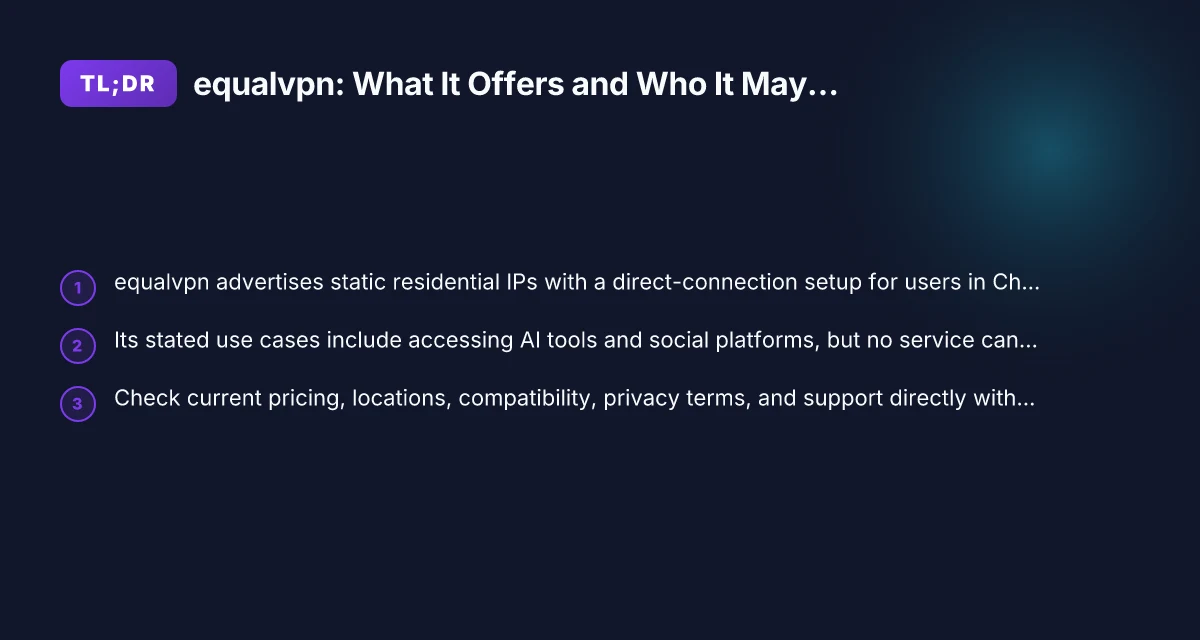
equalvpn, also styled EqualVPN, is a service that advertises high-quality static residential IP addresses and direct connections for users in China. Its stated appeal is a residential network exit combined with a setup intended to avoid complicated proxy chains. The provider also promotes access to AI tools and platforms such as TikTok, though results can vary by service, location, account, and network conditions.
This guide explains what equalvpn appears to offer, how to assess whether it fits your needs, and what to verify before paying. Public descriptions emphasize static residential nodes, domestic direct connectivity, and support for importing a connection into apps across platforms. Treat promotional claims as claims to check, not guarantees of speed, availability, or account safety.
| VPN | Obfuscation | From / month | Plan | Free plan | Refund | Alipay | UnionPay | Crypto | Website opens in China | Trustpilot | |
|---|---|---|---|---|---|---|---|---|---|---|---|
 ZoogVPN | Turn on manually Shadow | $2.49/mo | 27 months: $59.99 | Yes | 7 days | ✓ | ✓ | ✓ | ✓ | Official site blocked; our special link opens (4.4 s) | 4.2/5 (195 reviews) |
 NordVPN | Turn on manually Obfuscated Servers / NordWhisper | $3.49/mo | 27 months: $94.23 | No | 30 days | ? | ✗ | ✓ | ✓ | ✗ Blocked | 4.2/5 (51,628 reviews) |
 ExpressVPN | ✓ On by default all servers | $3.00/mo | 28 months: $84 | No | 30 days | ✗ | ✗ | ✓ | ✗ | ✗ Blocked | 4.4/5 (29,706 reviews) |
 Surfshark | ✓ On by default Camouflage, with OpenVPN | See site | See site | No | 30 days | ✗ | ✗ | ✗ | ✓ | ✗ Blocked | 4.3/5 (31,823 reviews) |
 Proton VPN | Turn on manually Stealth, free plan too | $2.99/mo | 12 months: $35.88 | Yes | 30 days | ✗ | ✗ | ✗ | ✓ | ✗ Blocked | 2.1/5 (1,040 reviews) |
 Astrill VPN | Turn on manually StealthVPN / OpenWeb | $12.50/mo | 24 months: $300 | No | See site | ✗ | ✗ | ✗ | ✓ | ✗ Blocked | 1.3/5 (110 reviews) |
 Private Internet Access | Turn on manually Shadowsocks, OpenVPN only | $2.03/mo | 40 months: $81.2 | No | 30 days | ✗ | ✗ | ✗ | ✗ | ✗ Blocked | 4.2/5 (11,033 reviews) |
 CyberGhost | Turn on manually selected servers | $2.19/mo | 28 months: $61.32 | No | 45 days | ✗ | ✗ | ✗ | ✓ | ✗ Blocked | 4.0/5 (24,178 reviews) |
 PureVPN | Turn on manually switch to OpenVPN | $1.69/mo | 60 months: $101.55 | No | 31 days | ? | ? | ✗ | ✓ | ✗ Blocked | 4.4/5 (17,994 reviews) |
 AdGuard VPN | ✓ On by default TrustTunnel | $2.99/mo | 24 months: $71.76 | Yes | 30 days | ✓ | ✗ | ✓ | ✓ | Official site blocked; our special link opens (3.7 s) | 4.3/5 (290 reviews) |
 Mullvad | Turn on manually QUIC / Shadowsocks / LWO | $5.61/mo | €5/mo | No | 14 days | ✗ | ✗ | ✗ | ✓ | ✗ Blocked | 3.2/5 (192 reviews) |
 Windscribe | Turn on manually Stealth / WStunnel | $5.75/mo | 12 months: $69 | Yes | See site | ✗ | ✗ | ✗ | ✓ | ✗ Blocked | 4.7/5 (13,355 reviews) |
 StrongVPN | Turn on manually Scramble, OpenVPN TCP | See site | See site | No | 30 days | ✓ | ✗ | ✗ | ✗ | ✗ Blocked | 4.4/5 (2,695 reviews) |
 LightXtreme 闪连 | Not listed | $7.08/mo | 12 months: $84.99 | Yes | 30 days | ✓ | ✓ | ✓ | ✓ | ✓ Yes (3.5 s) | No page |
Prices checked 2026-11-10 on each vendor's pricing page (cheapest long plan, USD). Check the vendor's checkout for the final price.
Obfuscation checked 2026-11-14 on each vendor's site and help center: "on by default" = nothing to set; "turn on manually" = switch protocol or mode in settings; "not listed" = the vendor describes no obfuscation.
Payment methods checked 2026-11-10 on each vendor's payment pages: all 14 take cards and PayPal; ✗ = not listed, ? = the vendor's own pages disagree.
China access: whether the official website opens from mainland China networks (tests the website only, not the VPN connection). Last checked 2026-11-18 01:02 Beijing time.
Trustpilot score and review count checked 2026-11-10.
Editor's pick: NordVPN — fast, secure VPN — Strong encryption, a no-logs policy and apps for every device. 30-day money-back guarantee. Get NordVPN →
How advertised equalvpn capabilities compare with a conventional VPN
| Comparison point | equalvpn | Conventional VPN |
|---|---|---|
| Service type | VPN service, as described in the article | VPN service |
| Setup details | Check the advertised setup | Check the provider’s setup |
| Connection method | Verify the advertised method | Varies by provider |
| Privacy claims | Confirm the published policy | Confirm the published policy |
| Security features | Verify which features are offered | Varies by provider |
| Device support | Confirm supported devices | Varies by provider |
| Performance evidence | Look for independent tests | Look for independent tests |
| Best next step | Review terms and claims | Compare providers |
Compiled November 2026; check the provider's site for current details.
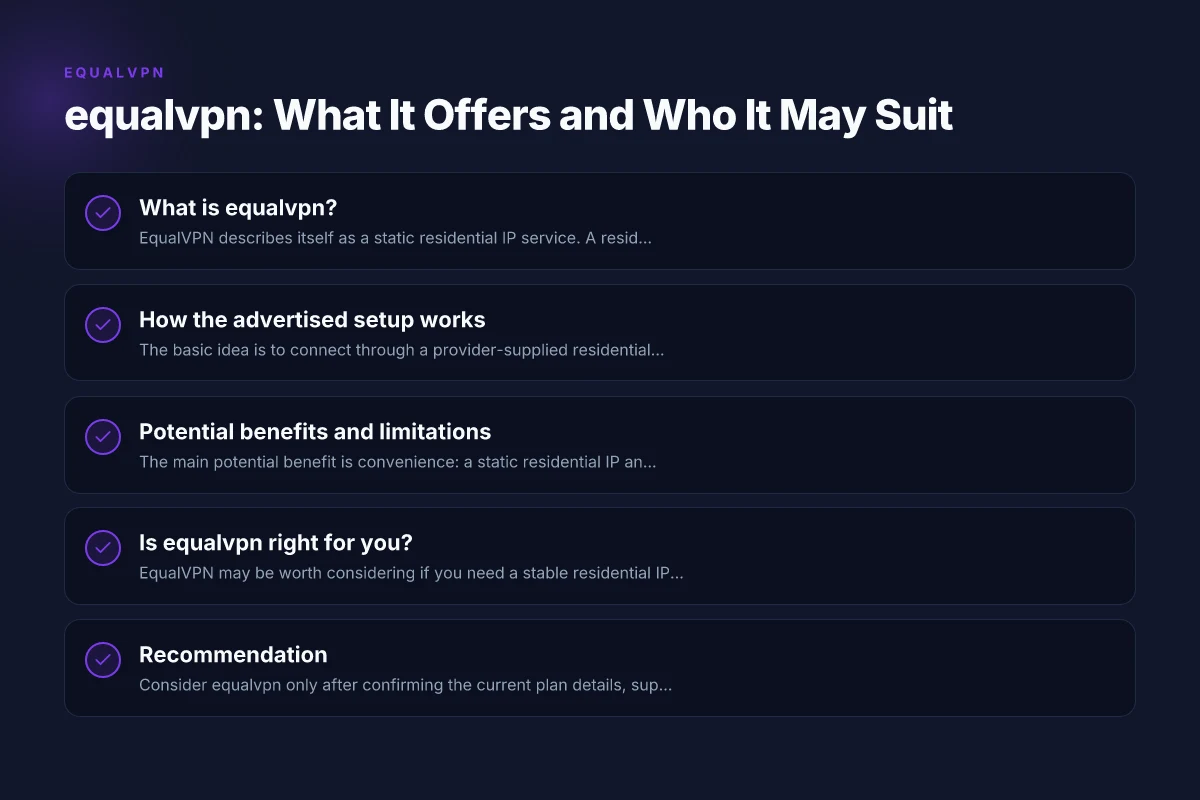
What is equalvpn?
EqualVPN describes itself as a static residential IP service. A residential IP is an address associated with a residential internet network rather than one commonly identified as a hosting or data-center address. A static IP is intended to remain consistent over time, unlike an address that changes frequently.
The provider’s search-result descriptions highlight:
- Static residential IP nodes, with a focus on US locations.
- Direct connectivity for users in China.
- A setup that it says does not require complex chained configurations.
- App support across platforms, using an application or an importable connection link.
These features may be useful when a user needs a consistent network location for a legitimate workflow. However, the available descriptions do not establish every technical detail, such as the precise protocols, range of supported devices, service-level commitments, or how IP addresses are assigned. Confirm those points with equalvpn before relying on the service.
How the advertised setup works
The basic idea is to connect through a provider-supplied residential IP rather than routing through several separately configured services. EqualVPN’s public descriptions present this as a simpler option for people who want a residential network exit and a direct connection from China. Windows VPN: How to Choose, Set Up, and Use One
A typical setup, if supported by the provider’s current app or instructions, may involve:
- Choosing a plan or location.
- Installing a supported application or selecting a compatible client.
- Importing the connection details supplied by the provider.
- Connecting and checking that the resulting IP location matches the intended setup.
The exact steps depend on the provider’s current software and your device. Before buying, ask whether your operating system and preferred client are supported, whether configuration is automatic, and what help is available if the connection fails.
“Direct” should also be understood in context. It describes the provider’s advertised connection approach. It does not by itself prove a particular route, latency, uptime level, or performance for every user. Test the service under your own conditions if a trial or refund option is available.
Potential benefits and limitations to check before choosing equalvpn Free VPN for Microsoft Edge: What Works and What to Know
| Decision factor | Potential benefit | Limitation or question | What to verify |
|---|---|---|---|
| Setup | May suit a straightforward setup | Details may be unclear | Instructions and requirements |
| Privacy | May offer VPN privacy features | Claims need evidence | Privacy policy |
| Security | May include protective features | Features are not confirmed here | Security documentation |
| Compatibility | Could fit supported devices | Device support may be limited | Supported platforms |
| Performance | Could meet everyday needs | Speed is not established here | Independent testing |
| Cost | May fit a budget | Pricing is not established here | Current plans and fees |
| Support | May provide assistance | Support terms may vary | Contact and refund policies |
Compiled November 2026; check the provider's site for current details.
Potential benefits and limitations
The main potential benefit is convenience: a static residential IP and a relatively simple import process may be easier to manage than building a multi-step setup yourself. A consistent IP may also help keep a workflow more predictable, provided the target platform permits the activity and the address remains stable.
| Consideration | What equalvpn advertises | What to verify |
|---|---|---|
| IP type | Static residential IPs | Whether the address is dedicated, shared, or reassigned |
| Connection | Direct connectivity for users in China | Routes, performance in your location, and outage handling |
| Setup | App use or importing a link | Supported devices, clients, and required configuration |
| Use cases | AI services and social platforms | Current access, platform rules, and account requirements |
| Location | Public descriptions emphasize US nodes | Available locations and whether you can select or retain one |
There are important limits. A residential IP does not automatically make an account appear trustworthy, guarantee access to a website, or prevent platform enforcement. AI services and social networks can make decisions based on many factors besides IP address, including account history, login behavior, device signals, and their own regional policies. A provider cannot promise that an account will never be restricted.
Performance can also vary with time, distance, local network conditions, and the destination service. “Low latency” is a promotional claim, not a result you should assume will apply to your connection. If reliability matters, look for independently verifiable uptime information and test during the hours when you expect to use the service. Edge Secure Network VPN Review: Is Microsoft Edge’s VPN Worth Using?
Is equalvpn right for you?
EqualVPN may be worth considering if you need a stable residential IP for a permitted use and prefer a provider that advertises a direct, relatively straightforward connection from China. It may be less suitable if you require a documented service-level agreement, a specific location that has not been confirmed, or detailed public information about network operations and privacy.
Before deciding, review these questions:
- Which countries and cities are currently available?
- Is the IP dedicated to one customer, or can other users share it?
- What happens if the assigned address changes or stops working?
- Which devices and connection clients are supported?
- Are there usage limits or restrictions on particular activities?
- What data does the provider collect, retain, or share?
- What are the current subscription, cancellation, and refund terms?
- Is there a trial or a practical way to test performance first?
Use any connection in line with local law and the terms of the sites and services you access. Avoid assuming that changing your IP changes your eligibility to use a platform or removes its security checks.
Which VPN option may suit your needs? FortiClient VPN Windows 11: Setup, Connection, and Troubleshooting
| If you prioritize… | equalvpn may suit you if… | Compare another option if… | Before deciding |
|---|---|---|---|
| Simple setup | Its instructions match your needs | You need a different setup | Check setup requirements |
| Privacy | Its policy meets your expectations | You need stronger evidence | Read the privacy policy |
| Security | Its documented features are sufficient | You require specific protections | Verify security features |
| Device compatibility | Your devices are supported | A device is unsupported | Check platform lists |
| Performance | Independent results meet your needs | You need proven performance | Review reliable tests |
| Low cost | Its current pricing works for you | Fees or terms do not fit | Check full pricing |
| Customer support | Its support channels are adequate | You need specific assistance | Review support terms |
Compiled November 2026; check the provider's site for current details.
Recommendation
Consider equalvpn only after confirming the current plan details, supported locations, device compatibility, privacy practices, and cancellation terms directly with the provider. Its advertised combination of static residential IPs and simpler direct connectivity may suit users seeking that specific setup, but claims about access, speed, and avoiding restrictions should not be treated as guarantees. If possible, test the service before depending on it for important work.