English VPN Guides and Streaming Help
Updated
English-language VPN and proxy tutorials covering browser setup, privacy checks, Microsoft Edge, Urban VPN, and overseas access to Chinese streaming.
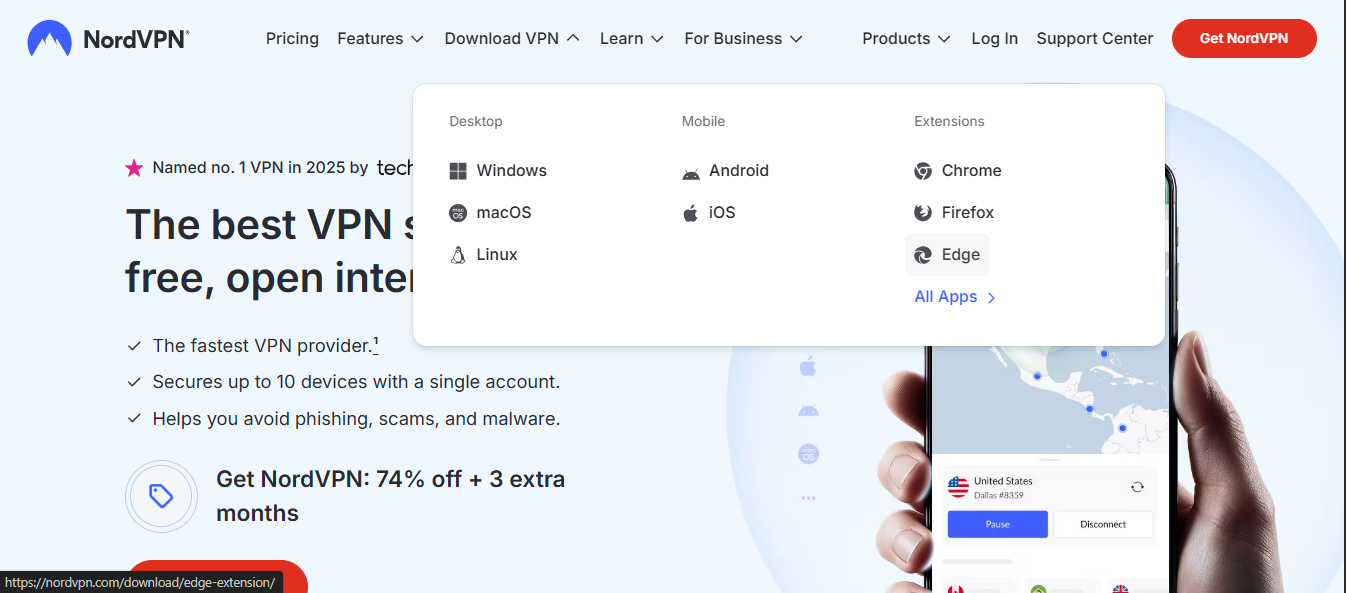
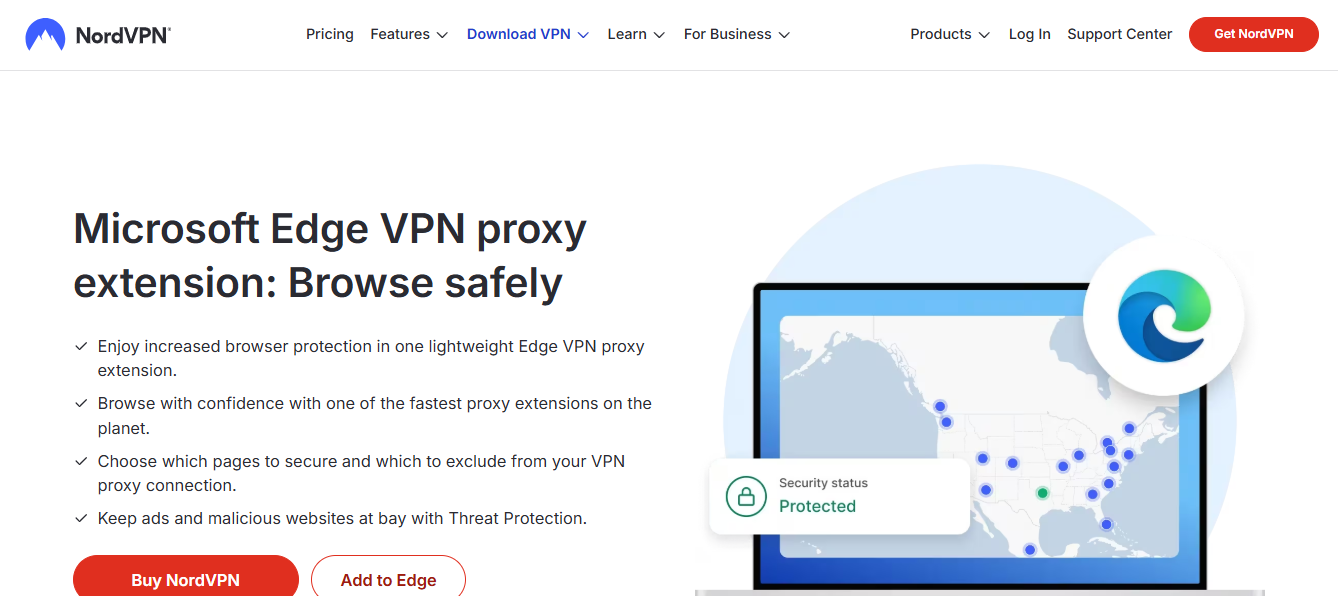
Editor's pick: NordVPN — fast, secure VPN — Strong encryption, a no-logs policy and apps for every device. 30-day money-back guarantee. Get NordVPN →
Quick comparison of common VPN options
| Option | Best suited to | Streaming use | Device coverage | Main trade-off |
|---|---|---|---|---|
| VPN app | Everyday browsing | May help with access | Depends on plan | Requires an account |
| Browser extension | Browser-only use | Browser traffic only | One browser | Limited protection |
| Router setup | Whole-home coverage | Devices on the network | Router-connected devices | More setup |
| Free VPN | Basic trials | Availability varies | Often limited | Possible data or speed limits |
| Paid VPN | Regular use | Depends on service | Often multiple devices | Recurring cost |
| No VPN | Local access | No location change | No extra setup | No VPN privacy layer |
Compiled November 2026; check the provider's site for current details.
What this English section covers
This section explains practical VPN and proxy choices, browser setup, overseas access to Chinese streaming, and ways to connect back to services in China. It is written for English-speaking readers in the United States and elsewhere who want clear instructions rather than unexplained technical claims. The main topic clusters are VPN basics and privacy, browser extensions such as Urban VPN Proxy, Microsoft Edge settings, overseas access to Chinese video, and troubleshooting connections across devices.
The site’s focus is specific: helping people understand how connection tools work when they are away from home or trying to reach content across borders. Readers may be studying abroad, traveling, living overseas, or simply comparing options before installing an extension. We distinguish a VPN from a browser proxy, explain the settings that matter, and flag when a tool’s privacy terms deserve a closer look. Instructions are the priority, not claims that one product is best for everyone.
Guidance for readers in the United States and beyond
US readers often compare familiar services such as NordVPN and ExpressVPN with free browser tools, while people in other countries may face different network restrictions, subscription options, or streaming catalogs. The underlying questions are broadly useful: which device is being protected, whether traffic from every app or only one browser is routed, and whether the provider explains how it handles connection data. A changed IP address is not the same as anonymity, and a VPN does not make every online activity private by default.
For people watching Chinese services from abroad, access can depend on the platform, account requirements, licensing, and the network location detected by that service. A VPN or proxy may change the apparent network location, but it cannot guarantee that a particular show will play. Readers should also check the terms of the streaming service and the VPN provider before relying on a workaround. Availability can change as services update their technical systems or regional rules. Urban VPN Proxy: What It Does, How to Use It, and What to Know
Pricing is another practical consideration. Many established VPN subscriptions are advertised in US dollars, but promotional rates, renewal prices, taxes, and plan lengths vary. Free tools may avoid a monthly charge while presenting other trade-offs, such as narrower controls or different data practices. The comparison below is a starting point, not a claim that plans or features remain fixed. Check current terms before paying, especially the renewal price and cancellation process.
Quick comparison of common options
This rundown places a browser proxy alongside two well-known VPN brands and the browser built into Windows. It focuses on the type of tool and the question a reader should ask, rather than inventing prices or treating unlike products as interchangeable. Features and availability can change, so consult each provider’s current product information.
| Option | Typical use | Practical point to check |
|---|---|---|
| Urban VPN Proxy | Browser-based proxy access and VPN apps | Its Chrome extension describes processing browsing information for some advanced protection features; review the permissions and privacy terms. |
| NordVPN | Paid VPN service for supported devices | Compare the plan length, renewal amount, and device support before subscribing. |
| ExpressVPN | Paid VPN service with apps for multiple platforms | Check current pricing, supported locations, and cancellation terms. |
| Microsoft Edge settings | Browser privacy and network-related controls | Browser settings are not automatically a full-device VPN; confirm what traffic a feature covers. |
Choosing a setup for your needs
| Your priority | Option to consider | Check before choosing | Setup effort | Important limit |
|---|---|---|---|---|
| Simple start | VPN app | Device compatibility | Low | Protects only while connected |
| Browser privacy | Browser extension | Which traffic it covers | Low | May not cover other apps |
| Multiple household devices | Router setup | Router support | Higher | Can be harder to troubleshoot |
| Streaming access | VPN app or router | Service rules and availability | Low to higher | Access is not guaranteed |
| Occasional use | Free VPN | Data, speed, and privacy terms | Low | Limits may apply |
| Frequent use | Paid VPN | Renewal and cancellation terms | Low | Costs can recur |
Compiled November 2026; check the provider's site for current details. VPN Microsoft Edge: How to Turn It On and Choose the Right Option
How-to topics and safe setup habits
The posts in this section turn common setup questions into manageable steps. For example, Urban VPN’s published setup directions describe installing the app, choosing a country, and connecting; browser extensions have their own permission prompts and controls. The right sequence depends on whether you are configuring a browser add-on, a desktop app, or a phone. Start with the official product interface and avoid lookalike downloads or instructions that ask you to disable basic security protections.
- Identify the goal: decide whether you need browser-only routing, a device-wide VPN connection, or help diagnosing a streaming problem.
- Check the source: download the extension or app from the provider’s official site or the platform’s recognized store.
- Read permissions: note what browsing, location, or network information the tool says it can access.
- Choose a location: select a server or country only when it serves your intended connection, then connect using the app’s own controls.
- Test and review: check that the intended site works, disconnect when finished if appropriate, and revisit the provider’s privacy and subscription settings.
These steps apply whether the device is a Windows laptop, an iPhone, an Android phone, or a browser such as Edge or Chrome. They are not a promise that a service will bypass a platform’s restrictions. If a connection fails, basic checks include confirming the app is current, trying a different network, and reviewing whether the streaming service requires a supported region or account. Do not share account credentials with unofficial support channels.
Privacy, limits, and the questions worth asking
VPNs route network traffic through a provider’s infrastructure, while a proxy may handle only selected traffic, such as activity in one browser. Encryption can protect traffic between a device and the VPN endpoint, but it does not remove tracking by websites, secure a compromised device, or prevent every form of data collection. Urban VPN’s Chrome Web Store description says that certain advanced protection features process browsing information such as visited URLs, ads shown, and interactions with those ads. Read the disclosure in context before enabling features you do not need.
Readers should compare the stated logging practices, ownership and support details, app permissions, and the difference between a free tier and a paid plan. A provider’s marketing phrase such as “unlimited” does not answer every question about speed, congestion, or data use. Nor does a large server-location count prove that a connection will work with a particular video platform. Make the decision from specific terms, not a single headline claim. Urban VPN Extension for Edge: How to Install and Use It
- Does the tool cover all device traffic or just one browser?
- What browsing or connection data does the provider say it processes?
- Are there separate free and paid features or limits?
- What is the renewal price after any introductory offer?
- Can you cancel from the same account or app used to subscribe?
- Does the streaming service permit access from the selected network location?
Safe setup and privacy checks
| Check | What to look for | Why it matters | When to review | Warning sign |
|---|---|---|---|---|
| Privacy policy | Clear data practices | Shows what may be collected | Before signing up | Vague terms |
| Permissions | Requests relevant to the app | Limits unnecessary access | During installation | Unrelated requests |
| Connection status | Clear connected indicator | Confirms the VPN is active | Before sensitive use | Unclear status |
| Leak protection | DNS and IP leak guidance | Helps identify exposure risks | After setup | No testing guidance |
| Streaming rules | Service terms and availability | Access may be restricted | Before streaming | Claims of guaranteed access |
| Renewal terms | Price and cancellation details | Avoids unexpected charges | Before payment | Hard-to-find terms |
Compiled November 2026; check the provider's site for current details.
How to use this page
The posts listed below address concrete tasks, including what Urban VPN Proxy does and how to use a VPN option in Microsoft Edge. Begin with the guide that matches your device or question, then confirm any product details against current provider documentation. The site is an independent tutorial resource, not a VPN provider, and its explanations are intended to help readers make informed choices rather than guarantee privacy, speed, or access. Use the instructions as a starting point and make the final choice based on your own needs, device, and the service’s current terms.
English
- VPN
.Ovpn File: What It Is and How to Open It
Learn what an.ovpn file contains, how to import it into OpenVPN Connect, and how to use it safely.
冉初禾 · November 28, 2026
- VPN
Best VPN Extension for Edge: How to Choose the Right Option
Compare Edge VPN extensions, understand their limits, and choose a safer option for browsing.
敖星澈 · November 28, 2026 - VPN
VPN FortiClient: What It Is, How to Connect, and Which Version to Choose
Learn what VPN FortiClient does, where to get it, how to connect, and what to know about free and standalone options.
敖星澈 · November 28, 2026